Spotify Studio's AI Audio Briefings vs. BibiGPT: Which One Actually Helps You Digest Content Faster? (2026 Deep Dive)
Spotify Studio’s AI Audio Briefings vs. BibiGPT: Which One Helps You Digest Content Faster?
Quick answer: Spotify Studio is a desktop app whose AI assistant connects to your email, calendar, and documents to generate a personalized, podcast-style audio briefing — great for catching up on your own affairs during a commute. But it only works with your own private materials; it doesn’t take external links. To turn someone else’s Bilibili clip, YouTube tutorial, or podcast into readable, searchable, ask-anything notes, BibiGPT is the right tool — paste a link, get a summary, jump to timestamps, and generate a mind map.
1. What Spotify Just Shipped
As of June 5, 2026: On May 21, 2026, Spotify released a standalone desktop app called Studio, now in research preview across 20+ markets. Its headline feature: a built-in AI assistant that connects to your email, calendar, and personal documents and automatically rolls them up into a personalized, podcast-style audio briefing, stored privately in your library.
In short, it’s chasing the same direction Google’s NotebookLM popularized with its “turn sources into a podcast” feature: take a pile of text and turn it into audio you can listen to on the go.
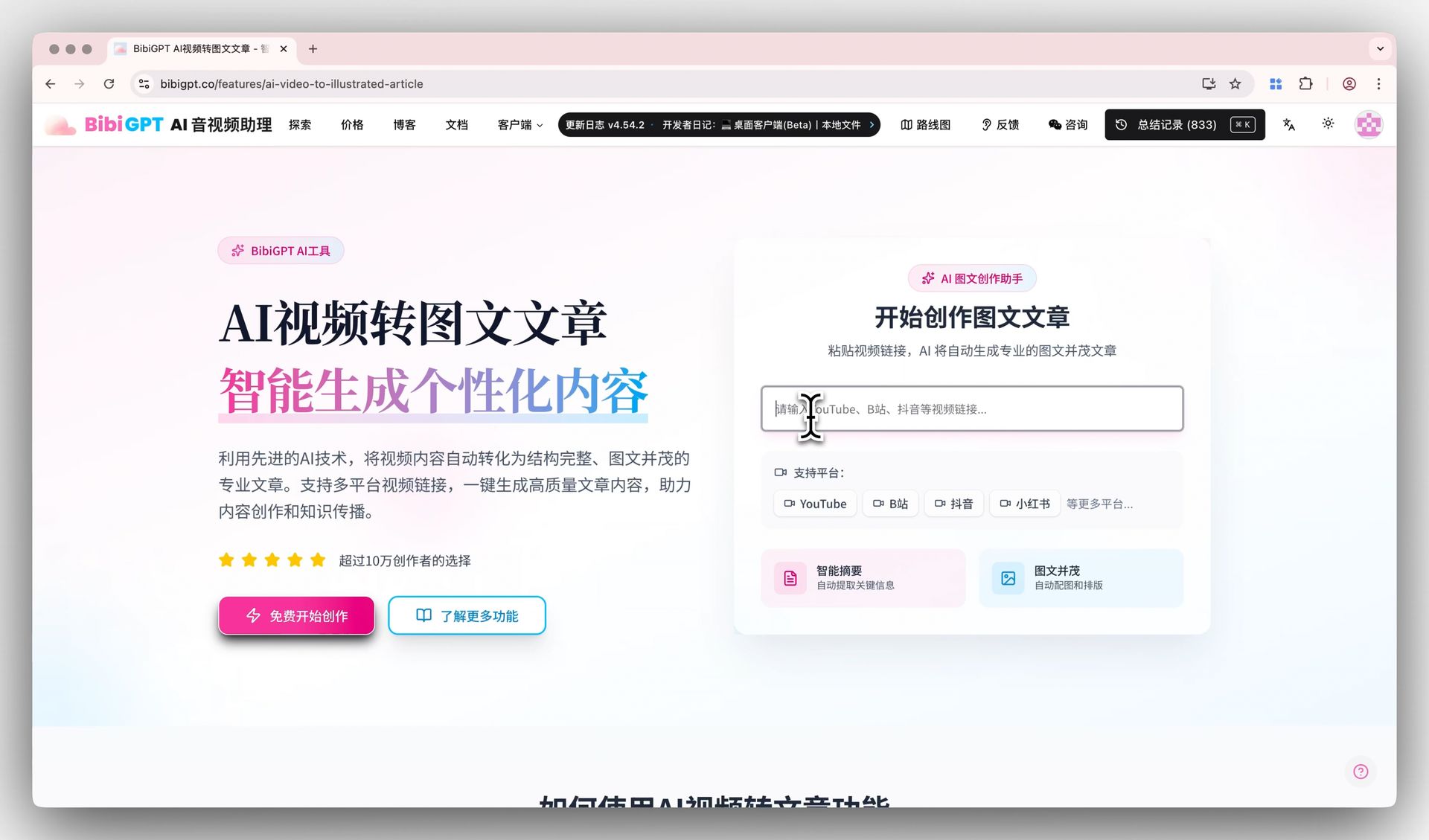
As shown below, “turning content into a form that’s easier to consume” is the shared value of this whole category — the difference is each tool picks a very different input source and audience.
Screenshot: BibiGPT · turning video content into a readable article
Why This Matters
Over the past year, “feed your material to AI and let it generate audio so you can digest it” has gone from novelty to mainstream. NotebookLM popularized it, and now even an audio giant like Spotify is stepping in. Behind this is a very real need:
Practical rule: The time you can spend reading each day is limited, but listening time is almost free — you can listen while commuting, cooking, or walking. Turning content into audio squeezes out an extra slice of attention.
2. Who Spotify Studio Is Actually For
To judge whether a tool fits you, look at its input source first. Spotify Studio’s input is your own private materials:
- Email: condense a week of important emails into a two-minute recap
- Calendar: a morning briefing on “what meetings you have today and what to prep”
- Personal documents: turn your notes and to-dos into a spoken digest
Its core scenario is a personal-affairs butler — gathering the scattered private information across your life into a “just for you” morning briefing.
Where Its Boundary Is
But that’s also its limit. Spotify Studio doesn’t handle external content:
- You can’t drop a YouTube link in and ask it to summarize the video
- You can’t turn a Bilibili tutorial into timestamped notes
- You can’t convert a podcast someone recommended into a searchable transcript
In other words, it manages “the materials you already own,” not “the outside content you want to understand quickly.”
Practical rule: When picking a tool, ask one thing first — is my content “written by me” or “sent by someone else”? The former suits material-butler tools; the latter needs a content-parsing tool.
3. BibiGPT Solves the Other Half
If Spotify Studio helps you manage “your own materials,” BibiGPT tackles a far more frequent pain point: how do I quickly understand the audio and video other people send me?
This is what most people actually run into every day:
- A coworker dumps an hour-long meeting recording on you and you just want the conclusion
- A friend recommends a two-hour podcast you have no time to finish
- You’ve bookmarked a pile of YouTube tutorials you’ll never get through
- Your boss says “watch this Bilibili video and write me a summary”
The demo below shows how BibiGPT handles external video — paste a link, get a structured summary in seconds:
Summarize any video in seconds
Pick a sample below to see the AI summary — TL;DR, key points, and jump-to timestamps.
TL;DR: Karpathy builds a GPT-style language model from scratch in code, explaining every piece — from a tiny character-level model up to the full Transformer.
Key points
- Start with a bigram model, then add self-attention so tokens can "talk" to each other
- A Transformer block = multi-head attention + feed-forward + residual connections + layer norm
- Training is just predicting the next token; scale and data do the rest
- The same architecture behind nanoGPT is what scales up to ChatGPT
Jump to
- 00:07 Why build GPT from scratch
- 08:23 Self-attention, intuitively
- 1:00:00 Assembling the Transformer block
- 1:35:00 From nanoGPT to ChatGPT
BibiGPT’s input source is the exact opposite of Spotify Studio’s — it specializes in external, public audio and video links:
- Bilibili / YouTube / podcasts / TikTok / Xiaohongshu / local files — 30+ platforms
- Paste a link and it extracts subtitles and generates a summary automatically
- Every point in the summary jumps back to the matching moment in the video
- Confused about something? Ask the AI directly
As shown below, BibiGPT can break a video straight into a clickable mind map, so you see at a glance what each section covers:
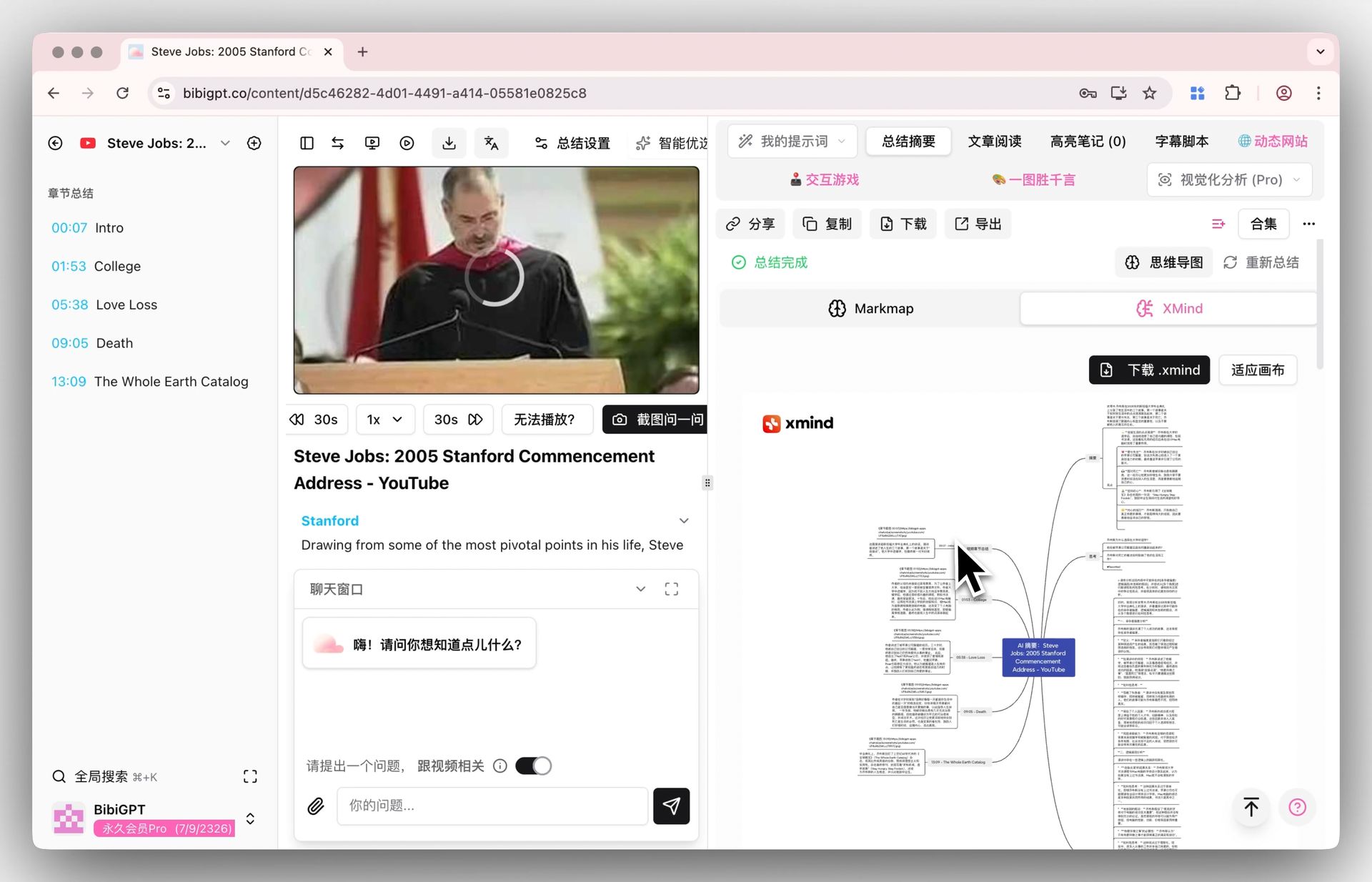
Screenshot: BibiGPT · video mind map feature
4. Head-to-Head: They Don’t Actually Compete
Many people see “both generate AI briefings” and assume they’re rivals — but they solve completely different problems. This table makes it clear at a glance:
| Dimension | Spotify Studio | BibiGPT |
|---|---|---|
| Input source | Your email / calendar / private docs | External audio & video links (30+ platforms) + local files |
| Core scenario | Personal morning briefing | Quickly understanding content others send you |
| Output form | Audio briefing (listen) | Text summary + mind map + ask-anything (read + search + ask) |
| Timestamp jump | None | Yes — click a point to jump back into the video |
| Notes-app sync | Private library | Auto-sync to Notion / Obsidian |
| Best for | People who want a personal-schedule briefing | Students / professionals / creators digesting lots of outside content |
Practical rule: These two can absolutely coexist — listen to a personal briefing with Spotify Studio in the morning, and digest your bookmarked videos and podcasts with BibiGPT during the day. They aren’t fighting for the same slice of attention.
A Real Combined Workflow
Want to see it in action? The video below, from a learning angle, demonstrates how to break a long video into absorbable knowledge:
On the BibiGPT side, a typical “understand outside content” flow looks like this:
- Paste the video link a coworker or friend sent into BibiGPT
- Get a structured summary + mind map in seconds
- Ask follow-up questions about anything unclear; the AI answers grounded in the video
- Save the summaries you like straight into Obsidian / Notion for the long term
- Later, just search a keyword in your notes to land on that exact section
The demo below is what step 3 — “ask as you watch” — looks like:
Ask the video a question
Watched it but still unsure? Ask follow-ups and get answers grounded in the transcript.
Tap a question:
5. Looking Ahead: Will Audio Briefings Become Standard?
From NotebookLM to Spotify Studio, “sources into audio” is going from a novelty to a default feature in many products. My three takes:
- Audio briefings will keep spreading: more and more tools will build in “read this content to you,” but most will still only handle “your own materials.”
- “External-content parsing” is a separate race: turning links other people send into readable, searchable, askable notes is a higher bar (supporting 30+ platforms, timestamps, follow-up questions) — you can’t get there by bolting on text-to-speech.
- Forms will diversify: summaries won’t be audio-only; text, mind maps, articles, and short videos will switch freely by scenario — exactly the direction BibiGPT is heading.
Practical rule: Don’t get locked into the single form of “audio briefing.” What actually matters is whether you can turn a piece of content into knowledge you can use with the least effort.
6. FAQ
Q: Can Spotify Studio summarize YouTube videos? No. It only processes the private materials you connect (email, calendar, documents); it doesn’t take external links. To summarize YouTube, paste the link into BibiGPT.
Q: Can BibiGPT also generate audio briefings? BibiGPT’s core is turning external audio and video into text summaries, mind maps, and ask-anything notes. It’s built for “watch fast, search it, use it well,” primarily in read-and-ask forms.
Q: Will the two tools conflict? No. Spotify Studio manages your own private materials; BibiGPT handles the external content you need to digest. The scenarios are complementary — use them together.
Q: Which platforms does BibiGPT support? Bilibili, YouTube, podcasts, TikTok, Xiaohongshu, and 30+ platforms, plus local audio and video files.
Q: Can summaries jump back to the original spot in the video? Yes. In BibiGPT’s summaries and mind maps, every point jumps back to the matching timestamp in the original video — no scrubbing from the start.
7. Wrap-up: Picking the Right Tool Beats Chasing the New One
Spotify Studio is a fine thing, but it solves “organizing your own materials.” If what actually wears you down every day is “too many videos and podcasts other people send that I can’t get through,” then what you need isn’t another material butler — it’s a video AI assistant that turns outside content into knowledge fast.
Grab a link to a video you’ve been meaning to watch and paste it into BibiGPT right now — in seconds, you’ll know whether that video is even worth your time.
BibiGPT Team