Top 5 Free Online Audio-to-Text Tools in 2026: BibiGPT One-Click + Deepgram / ScribeBuddy / My Ears / Yescribe Compared
Top 5 Free Online Audio-to-Text Tools in 2026: BibiGPT One-Click + Deepgram / ScribeBuddy / My Ears / Yescribe Compared
TL;DR: The fastest way to “convert audio to text” in 2026 is to paste an audio file or video link into BibiGPT — 30+ platforms, local files, native four-language output, and one-click AI summaries. Below we compare five free tools and recommend by scenario.
Last updated: 2026-05-05 | All five tools re-checked for accessibility and pricing; BibiGPT internal links and multilingual references refreshed.
Five Tools at a Glance (2026 Review)
| Tool | Core Use Case | Free? | Chinese Support | Multi-Platform Links | AI Summary |
|---|---|---|---|---|---|
| BibiGPT | Local files + 30+ platform links | Free tier + Pro subscription | ✅ Native | ✅ 30+ | ✅ + Mind map / AI chat |
| Deepgram | Real-time + API integration | Free tier | ✅ | ❌ | ⚠️ Raw text only |
| ScribeBuddy | Unlimited audio/video transcription | Free | ✅ | ❌ | ❌ |
| My Ears | Browser-side privacy transcription | Free | ✅ | ❌ | ❌ |
| Yescribe | AI transcription + simple summary | Free tier | ✅ | ❌ | ⚠️ Basic |
Let’s break each one down.
Table of Contents
- BibiGPT: Local Transcription with Privacy in Mind
- Deepgram: Real-Time Speech-to-Text
- ScribeBuddy: Unlimited Audio and Video Transcription
- My Ears: A Privacy-First Browser Extension
- Yescribe.ai: Fast, Accurate AI Transcripts with Summaries
BibiGPT: Local Transcription with Privacy in Mind
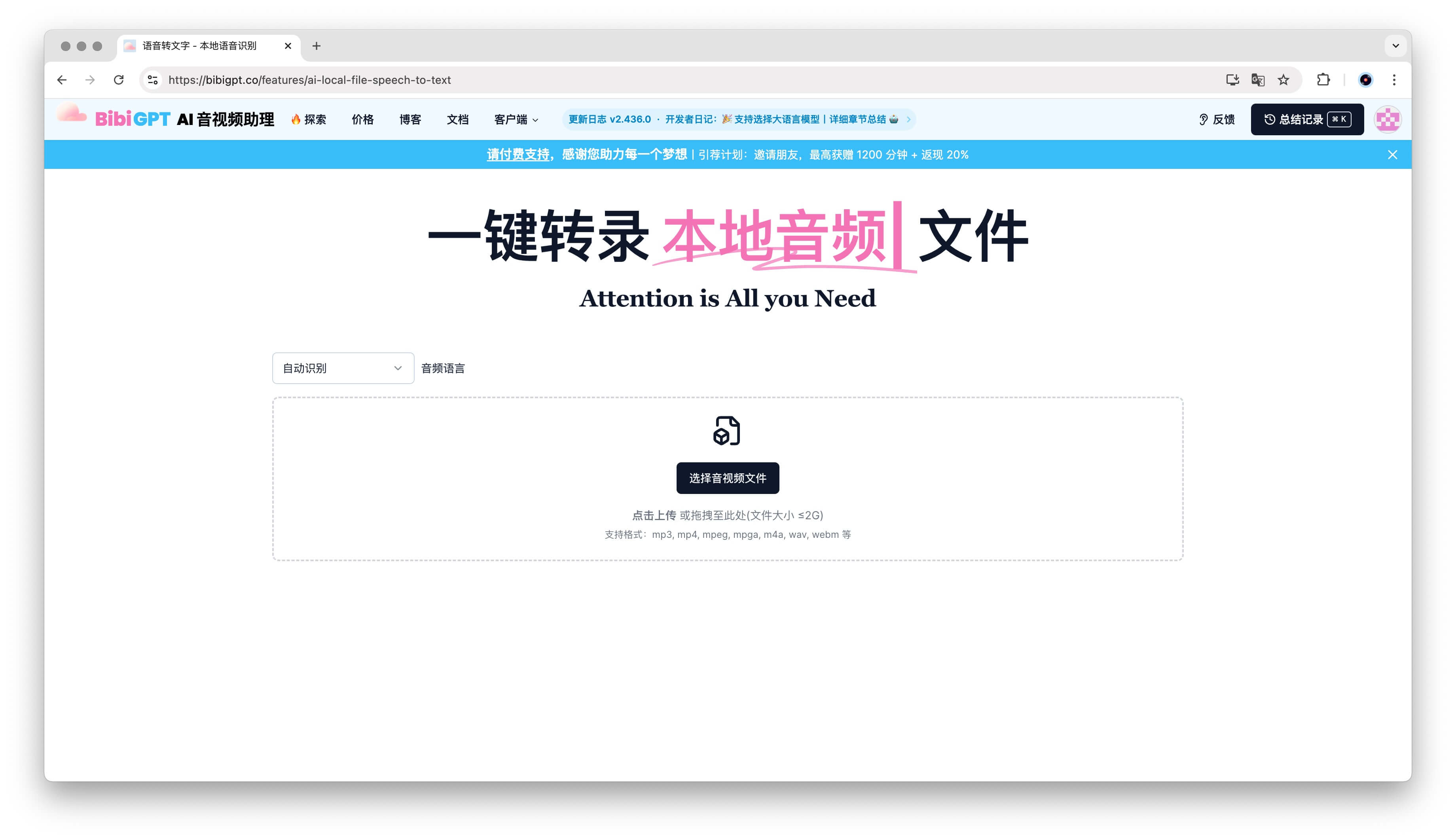
BibiGPT is one of the most popular audio-to-text tools in 2026 — over 1 million users served, 5M+ AI summaries generated. The biggest differentiator is all-in-one:
- Local files: drag MP3 / MP4 / WAV up to 2GB (Local Speech-to-Text);
- 30+ platform links: paste Bilibili, YouTube, TikTok, podcasts directly;
- Native multilingual: ZH / EN / JA / KO native output with Auto-translate on Upload;
- Privacy option: Local Privacy Mode for browser-only processing;
- AI value-add: auto chapters, Mind Map, AI Conversation, Video to Article;
- All-platform clients: web, desktop, browser extension, mobile app — same UX everywhere.
Try BibiGPT now. Further reading: Complete BibiGPT Guide 2026, BibiGPT Voice-to-Text Deep Review.
Deepgram: Real-Time Speech-to-Text
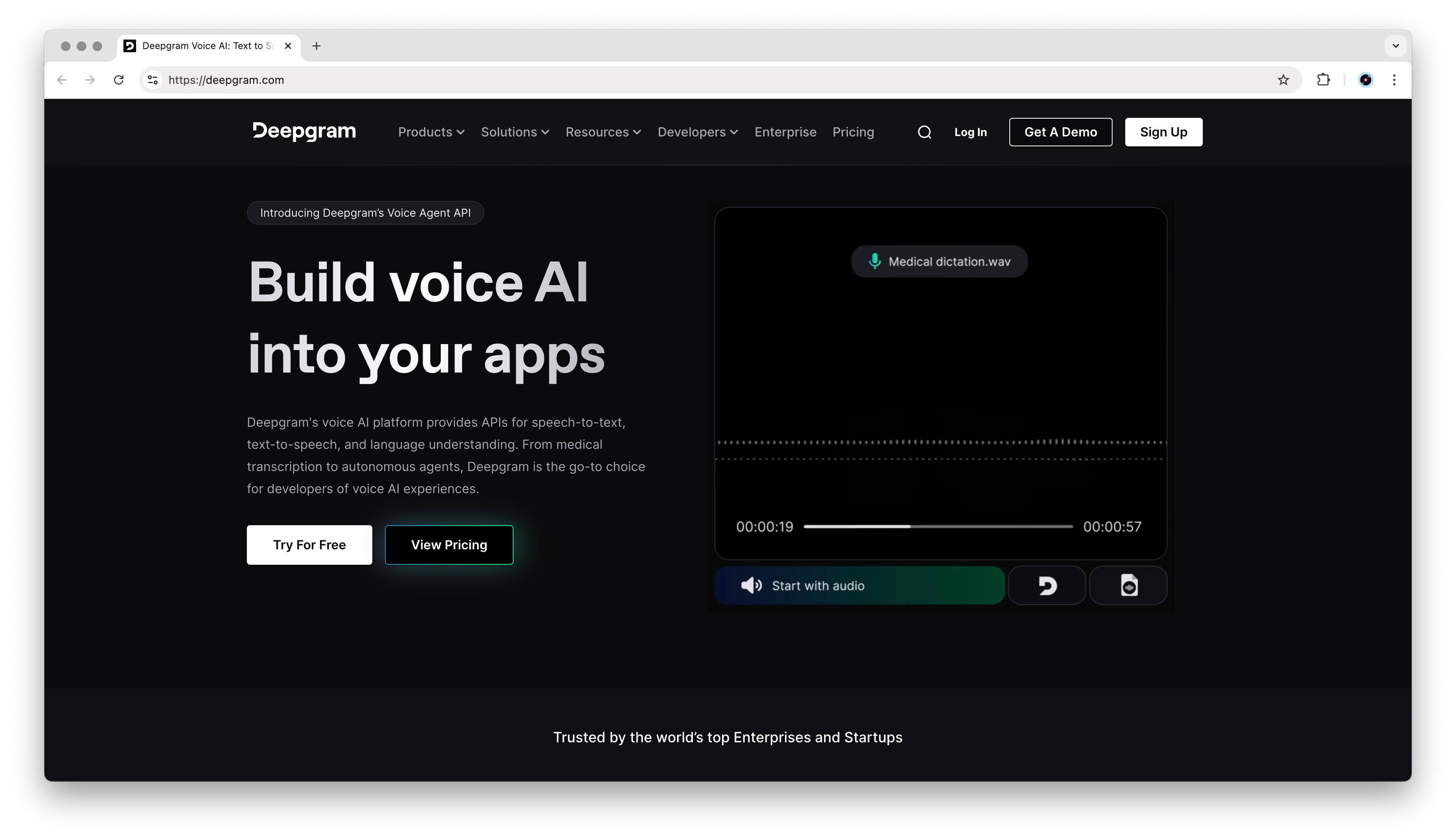
Deepgram is an AI-powered transcription platform that shines in real-time scenarios — live conversations, streaming audio, even YouTube videos. It supports over 36 languages, is ad-free, and offers a generous free tier. Developers can tap into its API to embed speech recognition directly into products.
Best for: developers + apps that need real-time transcription integration. Not ideal for: content creators who want “audio → publishable article” — Deepgram outputs raw text only, no AI summary, chapters, or mind maps. For that path, BibiGPT’s Video to Article is more direct.
ScribeBuddy: Unlimited Audio and Video Transcription
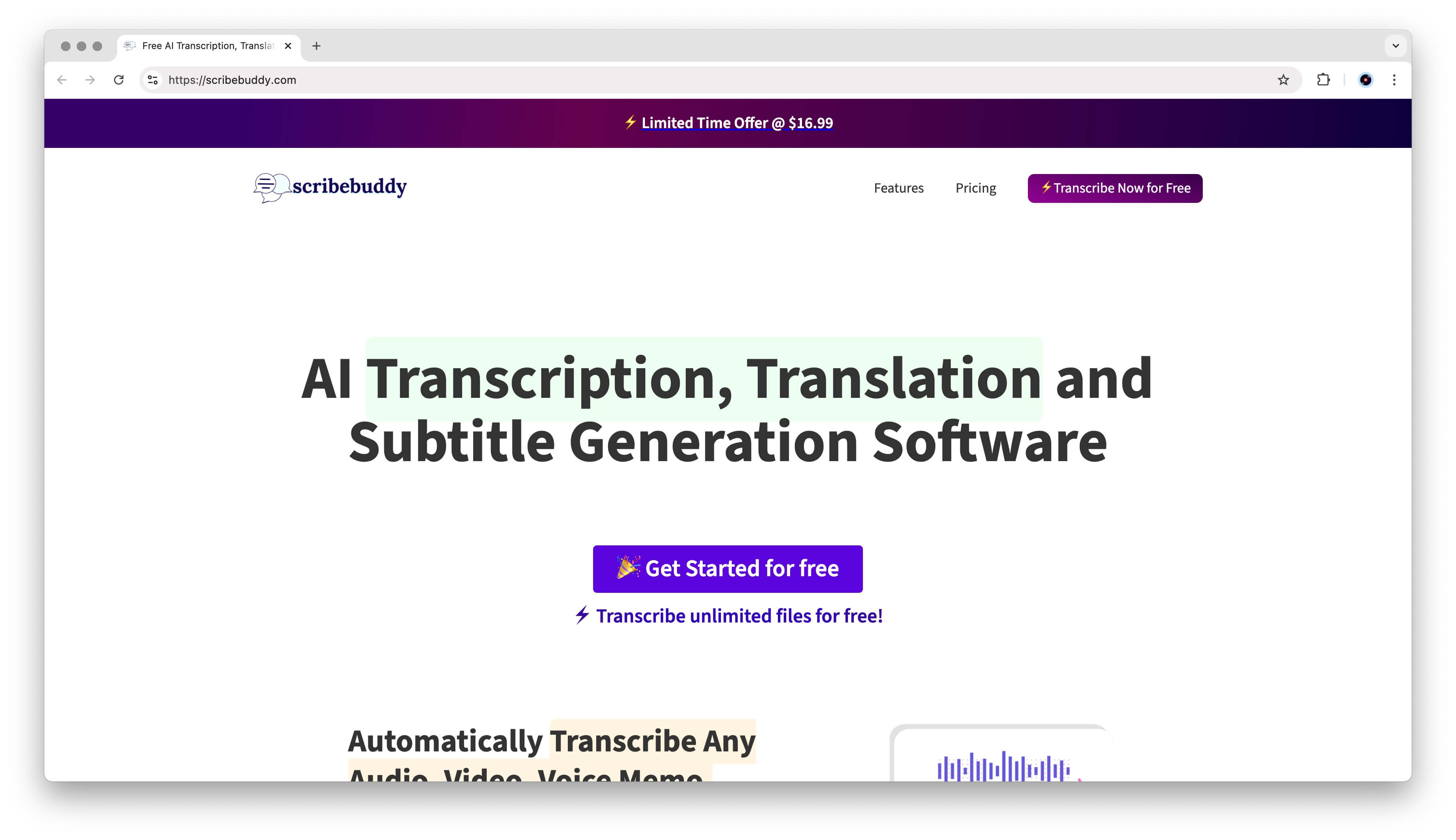
ScribeBuddy removes limits altogether — upload as many audio or video files as you like, without caps on duration or file size. Drag, drop, and download your transcript.
Best for: journalists, researchers, or anyone drowning in recorded content who only needs raw text. Not ideal for: users who want “transcription + summary + multilingual + mind map” in one shot. BibiGPT’s Multi-file Merged Summary can stitch multiple files into a coherent single summary in your chosen drag order — something ScribeBuddy doesn’t offer.
My Ears: A Privacy-First Browser Extension
Prefer to keep everything inside your browser? My Ears is a Chrome extension that converts speech to text locally — no data leaves your device.
Best for: extreme privacy scenarios (legal, medical, internal meetings). Not ideal for: users who also want AI summaries — My Ears does transcription only. For privacy + AI summary together, BibiGPT’s Local Privacy Mode handles both in-browser.
Yescribe.ai: Fast, Accurate AI Transcripts with Summaries
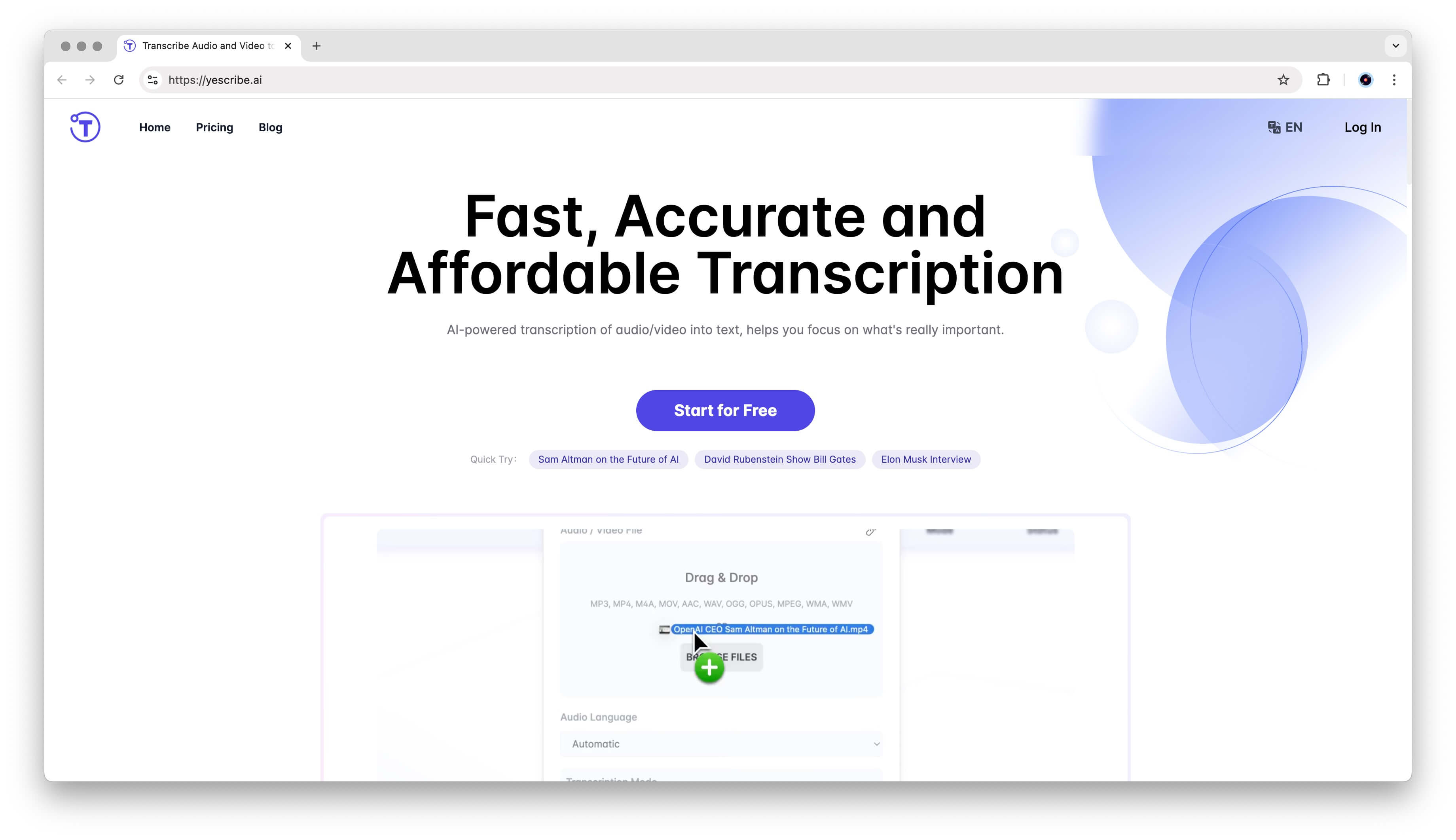
Yescribe.ai focuses on speed and precision — adds AI-generated summaries on top of raw transcripts.
Best for: occasional single-file transcription with simple summary. Not ideal for: heavy users who need batch processing, cross-video search, or multilingual output. BibiGPT’s Global Deep Search and Collection AI Chat provide far more leverage at scale.
Selection Guide (By Scenario)
- Meeting notes / lecture recordings: BibiGPT (Multi-file Merged Summary);
- Cross-platform research (YouTube / Bilibili / podcasts): BibiGPT (paste-link single entry);
- Privacy sensitive (legal / medical / internal): BibiGPT Local Privacy Mode / My Ears;
- API integration / real-time apps: Deepgram;
- Bulk pure transcription, no AI needs: ScribeBuddy;
- Single file + simple summary: Yescribe.
FAQ
How accurate are audio-to-text tools?
Modern AI transcription tools achieve 90–98% accuracy depending on audio quality and language. BibiGPT integrates multiple AI models and offers Custom Transcription Engine (switch among OpenAI Whisper / ElevenLabs Scribe etc.) to auto-fit different scenarios.
What audio formats are supported?
Most tools support MP3, MP4, WAV, and M4A. BibiGPT additionally supports WebM and MXF for professional workflows, and accepts direct links from 30+ platforms.
Are there limitations on free tools?
Most free tools have duration or usage caps. BibiGPT offers a free tier with upgrades unlocking longer recordings and advanced AI features like Collection Summary, mind maps, and Video to Article.
How do I choose the right transcription tool?
For local file transcription with strong privacy → BibiGPT or My Ears. For real-time transcription / developer integration → Deepgram. For video summaries + cross-video search + subtitle translation → BibiGPT is most comprehensive.
Can I publish raw transcripts to a blog directly?
Raw subtitles usually need polishing. BibiGPT’s Article Reading - AI Polish & Visual Export one-clicks subtitles into publishable articles, saving manual editing time.
Multilingual scenarios (mixed Chinese/English/Japanese/Korean)?
BibiGPT outputs four languages natively; Auto-translate on Upload gives you all four versions in one go, closer to source meaning than pure translation tools.
Related Reading
- Podcast transcription: Top 5 Podcast Transcription Tools for 2025
- Bilibili subtitles: Bilibili Subtitle Downloader Guide
- YouTube subtitles: YouTube Subtitle Download 2026 Guide
- Tooling: BibiGPT Complete Guide 2026
Hope the comparison helps you pick by scenario. If you need not just transcription but also AI summaries, mind maps, cross-video search, and multilingual output, try BibiGPT now.
— BibiGPT Team