
Cross-Platform AI Video Summary: Summarize Bilibili, YouTube & Podcasts in One Click (2026)
Cross-Platform AI Video Summary: Summarize Bilibili, YouTube & Podcasts in One Click (2026)
Quick answer: The easiest way to summarize long videos across platforms is to use one AI summary tool that recognizes links from many sources—paste a Bilibili, YouTube, Xiaohongshu, or podcast link and get structured takeaways, key timestamps, and a mind map in seconds, instead of juggling a different tool for every platform. Paste your next long video into BibiGPT and feel what “I got the gist without watching the whole thing” actually means.
The demo below walks through the full “paste a link → get takeaways” flow, so you can see the real output first:
Summarize any video in seconds
Pick a sample below to see the AI summary — TL;DR, key points, and jump-to timestamps.
TL;DR: Karpathy builds a GPT-style language model from scratch in code, explaining every piece — from a tiny character-level model up to the full Transformer.
Key points
- Start with a bigram model, then add self-attention so tokens can "talk" to each other
- A Transformer block = multi-head attention + feed-forward + residual connections + layer norm
- Training is just predicting the next token; scale and data do the rest
- The same architecture behind nanoGPT is what scales up to ChatGPT
Jump to
- 00:07 Why build GPT from scratch
- 08:23 Self-attention, intuitively
- 1:00:00 Assembling the Transformer block
- 1:35:00 From nanoGPT to ChatGPT
Demo: BibiGPT one-click video summary
1. Why “Cross-Platform” Is the Real Pain in 2026
The content flood in 2026 no longer lives on a single platform. The knowledge creators you follow are on Bilibili, conference recordings are on YouTube, your favorite host launched a podcast, and Xiaohongshu is going all-in on mid-length video in 2026. On any given day, you might bounce between four or five platforms just to keep up.
The catch: long videos easily run 40–50 minutes each, while the time you can actually focus on video might be under an hour a day. Watching everything end to end simply isn’t realistic.
Practical rule: Content is never the bottleneck—turning content into usable takeaways fast is. Watching quickly beats watching more.
Then there’s tool fragmentation. Many people install a plugin for YouTube, find a subtitle-downloader site for Bilibili, and add a separate transcription app for podcasts—four platforms, four workflows, with most of the effort lost to switching and copy-pasting. The efficient move is to use one tool that recognizes links from many platforms and unifies “extract content → generate takeaways.”
2. One Tool, Many Platforms: It’s All About “Paste a Link, Get Takeaways”
To put the point above into a single picture, the sketch below captures the gist:
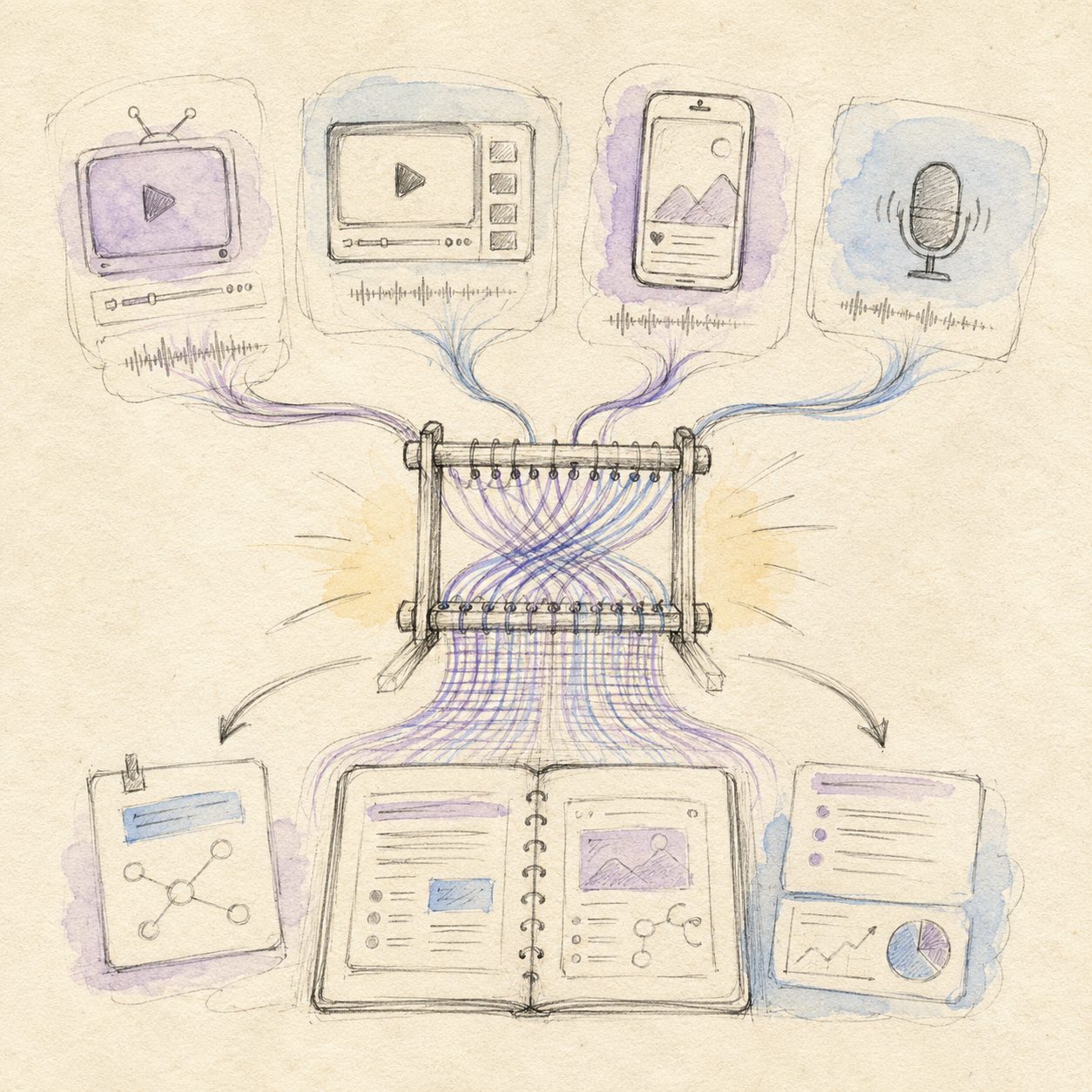
Illustration: drawn by the BibiGPT team for this article (hand-drawn style)
The key to cross-platform summarizing isn’t a pile of fancy features—it’s a dead-simple entry point: copy the share link of a video or podcast, paste it, and let the tool do the rest.
BibiGPT, for example, recognizes links from 30+ platforms including Bilibili, YouTube, Xiaohongshu, TikTok, and most podcasts. For the user, the flow is just three steps:
- Copy the link—hit “Share → Copy link” in the Bilibili, YouTube, or podcast app
- Paste—drop the link into the input box
- Get results—a TL;DR, chapter-by-chapter takeaways, and key timestamps in seconds
You don’t download the video, and you don’t need any technical know-how. Want to dig into a section? Tap the timestamp to jump back to the original. This smart deep summary capability is the foundation of the whole cross-platform workflow.
For a different angle on how much time AI summaries can save, the video below demonstrates the idea in action:
Video source: YouTube · AI video summary demo
3. Different Platforms, Same Workflow
Back in BibiGPT, here’s how this actually looks in the product:
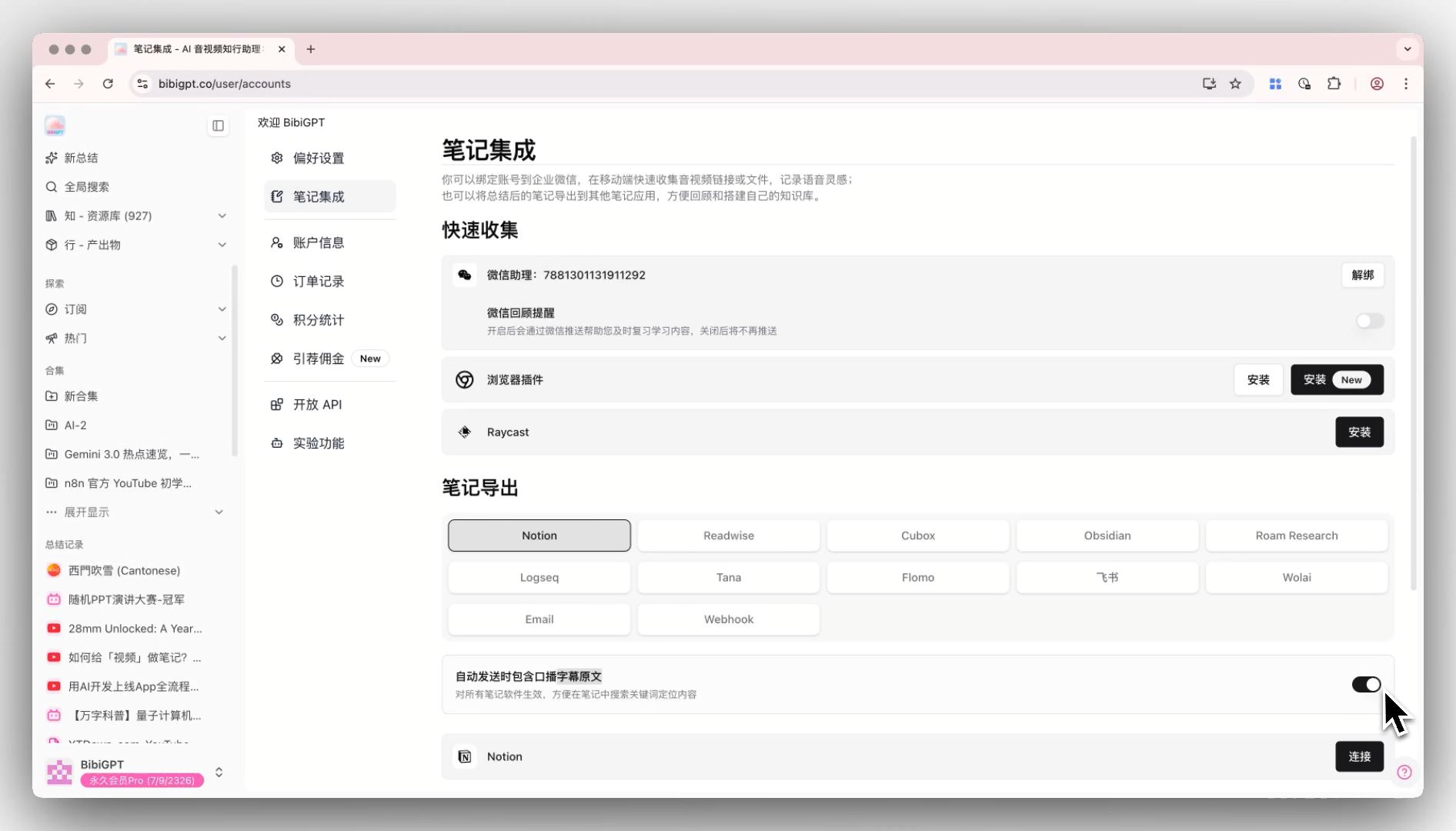
Screenshot: BibiGPT · include original subtitles in note export feature demo
The entry point is unified, but content differs by platform, so the play differs slightly too. This table helps you map your situation:
| Platform | Typical content | Recommended play |
|---|---|---|
| Bilibili | Knowledge videos, courses, documentaries | Use AI Bilibili Summary for chapter takeaways plus a mind map |
| YouTube | Conference recordings, tutorials, English podcasts | Use AI YouTube Summary to get takeaways across the language barrier |
| Podcasts | Interviews, industry talks, long-form chats | Use AI Podcast Summary to compress 2-hour audio into readable notes |
| Xiaohongshu | Mid-length video, vlogs, tip threads | Paste the link for takeaways, then repurpose for content ideas |
For especially long, information-dense content (say, a two-hour tech conference recording), a mind map beats a plain text summary—it lays out the whole structure at a glance so you can scan the skeleton before deciding what to read closely.
The mind map demo below shows a long video automatically broken into a structured outline:
Turn a video into a mind map
A linear talk becomes a structured tree. Drag to pan, click nodes to fold.
Demo: BibiGPT turning a video into a mind map
Practical rule: For short clips, a summary is enough. For long videos, read the mind map first—once the structure is clear, decide which parts deserve a word-by-word read.
4. Wire Cross-Platform Summaries Into Your Note Workflow
Takeaways you glance at and close lose most of their value. The most effective people pipe them into a knowledge base.
BibiGPT can export summaries to Notion, Obsidian, and Lark, and lets you keep asking follow-ups on the result—“what scenario does this method fit?” or “list the core arguments as a checklist.” Over time, the content you catch across platforms stops being fragments and grows into a searchable knowledge network that’s yours.
A habit worth building: after each long video, drop the takeaways into a fixed notes folder with one line on “why this matters to me.” Eventually your notes become a personal content index more focused than any single platform.
5. Frequently Asked Questions
Q1: Can one tool really support Bilibili, YouTube, and podcasts at once? Yes. BibiGPT recognizes links from 30+ platforms including Bilibili, YouTube, Xiaohongshu, TikTok, and major podcasts—just paste the link, no per-platform setup.
Q2: Do I need to download the video or subtitles first? No. Just copy the share link; the tool handles content extraction with no file downloads.
Q3: Can English or Japanese videos produce summaries in my language? Yes. Cross-language content generates structured takeaways directly, so you skip the language barrier—great for overseas conference recordings and English podcasts.
Q4: Can I use the summaries for content creation? Yes. Takeaways can be rewritten into articles, social posts, or video scripts. Many creators use cross-platform summaries as the first step in their research and ideation.
Q5: Are long-video summaries accurate? Will they miss key points? For well-structured long content, chapter takeaways plus timestamps cover the main thread. For critical sections, tap the timestamp to verify against the original—fast overview plus precise pinpointing.
Start Unifying Your Multi-Platform Content Today
Stop swapping tools per platform. Take the backlogged Bilibili video, the YouTube recording, and the half-finished podcast, and paste them into BibiGPT one by one—seconds each, and you’ll clear this week’s backlog tonight.
Further reading: The Complete Guide to YouTube Video Summarizer Tools · Best Podcast Transcription Tools
BibiGPT Team