YouTube Playlist Summarizer

Paste a YouTube playlist URL — BibiGPT expands the list, summarizes every video, and writes a collection-level recap. Not one link at a time.

Paste playlist?list= Collection-level recap Bilibili 合集 too

Paste a YouTube playlist URL

A real playlist link — BibiGPT expands the list and turns it into a collection, not twenty watch URLs.

Add BibiGPT as a preferred source on Google See more BibiGPT in Top Stories and AI answers.

Workflow (3 steps)

Paste a YouTube playlist URL → BibiGPT expands the list and summarizes each video → get a collection-level recap you can export, ask, and reopen later.

Features

Why this playlist summarizer is not another paste-one-video tool

Most “playlist summarizer” pages still ask you to copy each watch URL. BibiGPT reads the playlist itself, expands the list, and turns it into a collection.

Paste playlist?list= — not 20 watch links

A youtube.com/playlist URL is enough. Bilibili collections and series work the same way. The list is expanded for you.

Per-video notes plus a collection recap

Every video gets a structured summary. Then BibiGPT writes a cross-video recap so a 20-lecture course is one knowledge unit, not 20 tabs.

Up to 50 videos in one batch

A single import can take up to 50 videos. Longer playlists can be split. Already-summarized videos reuse the cache instead of burning minutes twice.

From a playlist to notes you actually keep

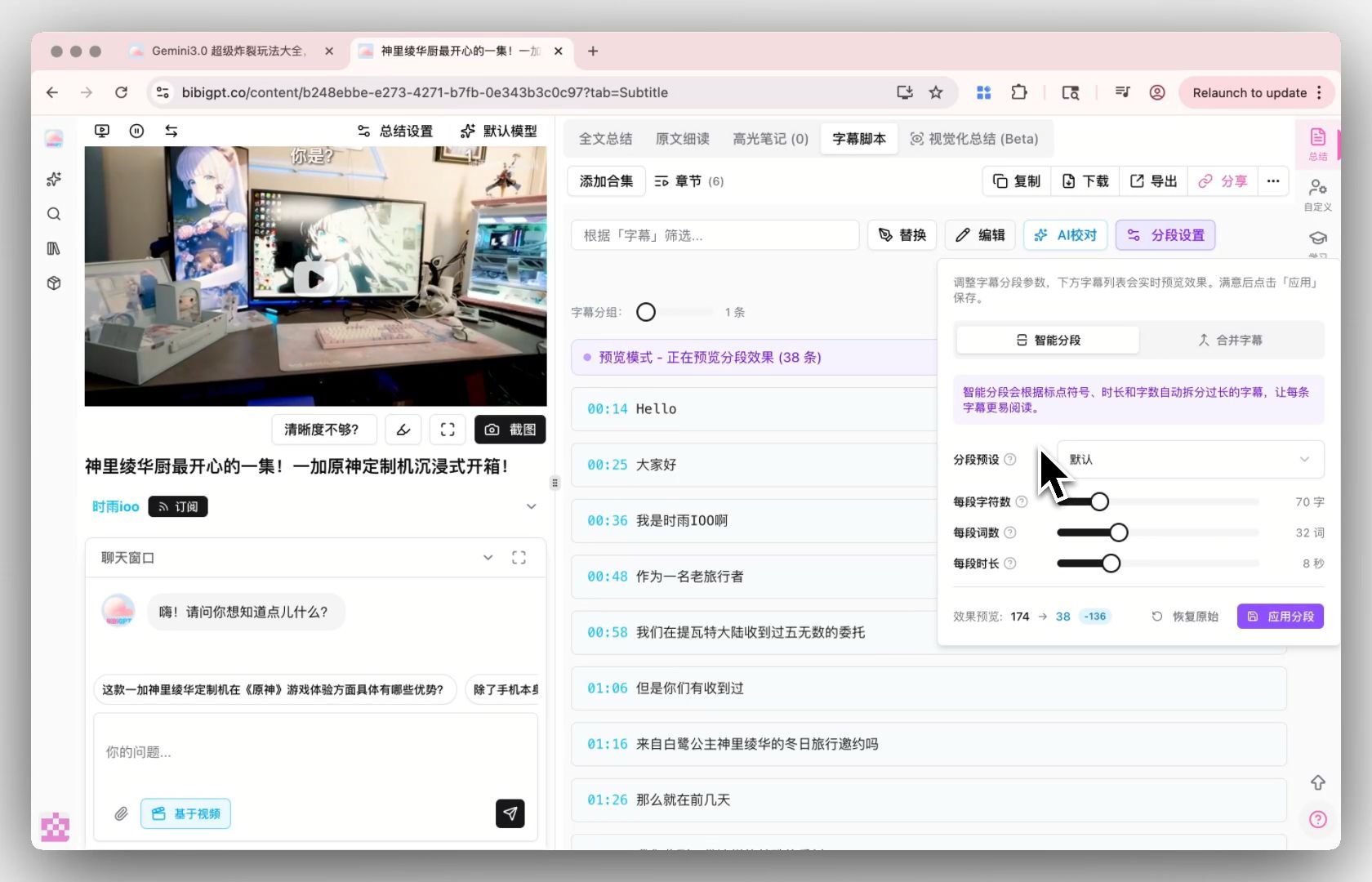
The point of summarizing a series is to keep it. Export, ask across videos, and jump back to timestamps.

Export the collection

Send notes to Notion or download Markdown for Obsidian. The collection stays in your library so you can reopen the series later.

Ask across the whole series

After the recap lands, ask questions that span lectures — not just one video. Answers stay grounded in the transcripts.

Free to start, unlimited on Plus / Pro

New accounts include 120 welcome minutes. Paid plans remove the per-video cap for daily course work.

How to summarize a YouTube playlist

Free to start after a quick signup. Use the embedded tool above — a real playlist URL, not 20 watch links.

  1. 1

    Copy the playlist URL

    Open the playlist page on YouTube and copy youtube.com/playlist?list=…. Bilibili collection / series URLs work the same way.

  2. 2

    Turn the list into a collection

    Paste it here (or on bibigpt.co). BibiGPT expands the list and opens a one-click import — up to 50 videos per batch.

  3. 3

    Read the recap, then keep the series

    Each video gets a summary. The collection gets a cross-video recap. Export to Notion or Markdown, or ask questions across lectures.

Who summarizes YouTube playlists?

Built for people who learn from series — courses, conference playlists, and UP 主 collections — and cannot watch every episode end to end.

Students — a full lecture series in one collection

Paste an MIT / Coursera-style YouTube playlist and keep chaptered notes plus a recap you can revise from, instead of 25 separate files.

Researchers — conference playlists

A workshop playlist is a reading list. Summarize the set, then jump to the talks that actually answer your question.

Chinese-web learners — Bilibili 合集

UP 主 courses live in 合集, not YouTube playlists. Paste the collection URL and get the same collection recap.

Need a single video, a transcript, or another platform?

This page is for lists. These tools cover the neighbouring jobs:

What is a YouTube playlist summarizer?

A YouTube playlist summarizer takes a whole playlist URL, not a single watch link, and turns every video into notes plus a recap of the series. The job is to finish a course or lecture list, not to skim one video.


How is a playlist summary different from summarizing each video?

Per-video summaries still matter. A playlist summarizer also keeps them in one collection and writes a cross-video recap, so a 20-lecture series is one knowledge unit instead of 20 separate pages.

Loved by creators, students & researchers

Why people use BibiGPT to turn videos into text every day.

Trusted by 50,000+ users worldwide

★★★★★

“I paste a link and get clean captions in seconds — it saves me hours of retyping every single week.”

Maya R.

Content Creator · Repurposes short videos

★★★★★

“Exporting the transcript lets me review new words at my own pace instead of pausing the video constantly.”

Daniel K.

Language Learner · Studies with real videos

★★★★★

“Accurate, timestamped text I can quote directly. It has quietly become part of my daily workflow.”

Priya S.

Researcher · Cites public talks

Frequently Asked Questions

Ask us anything!

Popular guides

Summarize a whole YouTube playlist now

Paste a playlist URL — get every video summarized, then a collection-level recap. Free to start; new accounts include 120 welcome minutes.