How to Download a Podcast Transcript for Free: 3 Methods + One-Click Summary (2026 Full Guide)
How to Download a Podcast Transcript for Free: 3 Methods + One-Click Summary
Quick answer: There are three free routes to a podcast transcript — (1) some platforms (like certain Apple Podcasts shows) include a built-in transcript you can copy; (2) use an AI tool to turn a podcast link into a transcript; (3) download the audio and transcribe it locally. The easiest is the second: paste the podcast link into BibiGPT, get a full transcript in seconds, and also get a summary, timestamp jumps, and the ability to ask questions about it. Let’s walk through each.
1. Why You Need a Podcast Transcript
Podcasts are great, but “audio only” is their biggest weakness. With a transcript, a lot of things instantly get easier:
- Quickly judge whether it’s worth a listen: skim the transcript and know in 30 seconds what the episode covers
- Quote a line: copy it directly instead of scrubbing the timeline over and over
- Take notes / write articles: pull out key points and file them into your own knowledge base
- Search the content: later, find “that episode about investing” by searching a keyword
Practical rule: Listening is linear and forgettable; text is searchable and reusable. Turning a podcast into a transcript is like giving your ears a “searchable memory.”
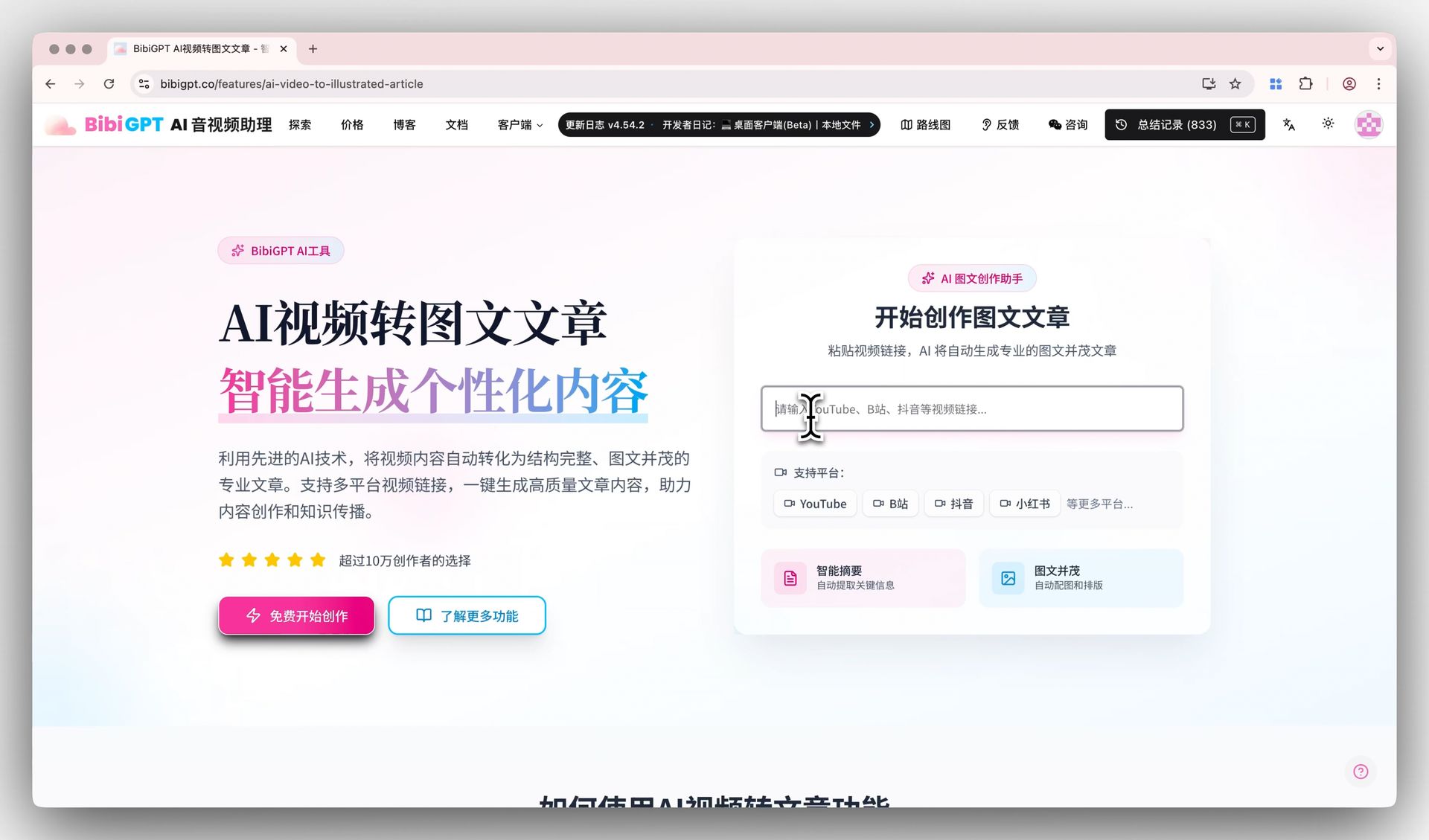
The image below shows the classic form of “turning audio/video content into readable text” — input a link, get structured text out:
Screenshot: BibiGPT · turning content into readable text
2. Method One: Use the Platform’s Built-In Transcript
The easiest case is when the platform has already made one for you.
- Apple Podcasts: many shows support automatic transcripts — swipe up on the playback page to view it
- Spotify: some shows offer a transcript you can expand in the playback view
- Some Chinese platforms (e.g., Xiaoyuzhou): have begun providing AI transcripts on the episode page, viewable and copyable directly
Who it’s for: when the show you listen to happens to be on a supported platform and has a transcript, this is a zero-cost option.
Limit: coverage is patchy. Many smaller shows, older episodes, and cross-platform shows have no ready-made transcript — that’s where method two comes in.
3. Method Two: One-Click Transcript with an AI Tool (Most Recommended)
This is the broadest, most effortless option — no matter which platform the podcast is on, hand the link to an AI tool and it extracts and transcribes it automatically.
The demo below shows pasting a link and getting structured text in seconds:
Summarize any video in seconds
Pick a sample below to see the AI summary — TL;DR, key points, and jump-to timestamps.
TL;DR: Karpathy builds a GPT-style language model from scratch in code, explaining every piece — from a tiny character-level model up to the full Transformer.
Key points
- Start with a bigram model, then add self-attention so tokens can "talk" to each other
- A Transformer block = multi-head attention + feed-forward + residual connections + layer norm
- Training is just predicting the next token; scale and data do the rest
- The same architecture behind nanoGPT is what scales up to ChatGPT
Jump to
- 00:07 Why build GPT from scratch
- 08:23 Self-attention, intuitively
- 1:00:00 Assembling the Transformer block
- 1:35:00 From nanoGPT to ChatGPT
With BibiGPT, it’s three steps:
- Copy the podcast link (Apple Podcasts, Spotify, YouTube podcasts, etc.)
- Paste it into BibiGPT
- Get a full transcript + structured summary in seconds
As shown below, once you have the transcript you can ask deep questions grounded in the content, and the AI answers from the podcast itself — something a plain transcription tool can’t do:

Screenshot: BibiGPT · asking deep questions grounded in content
Its extra value: it doesn’t just hand you a wall of text — it turns the podcast into usable content —
- Every passage jumps back to the matching moment in the audio to verify
- For anything unclear or worth a deeper look, ask the AI directly
- File the content you like into Notion / Obsidian in one click
Practical rule: Plain “transcription” solves only half the problem. The real time-saver is “transcript + summary + ask-anything” in one shot — what you want isn’t a 20,000-word verbatim transcript, but “what this episode is actually about and what I can use.”
4. Method Three: Download the Audio and Transcribe Locally
If you need offline processing, or the podcast exists only as an audio file (e.g., your own recording or an internal share), go the local route:
- Download the podcast’s audio file (mp3, etc.)
- Upload the local audio file to BibiGPT — it can extract a transcript and summarize all the same
Who it’s for: when you only have an audio file and no public link (meeting recordings, your own recordings).
Tip: BibiGPT supports both public links and local audio/video uploads, so methods two and three switch seamlessly — use a link when you have one, upload a file when you don’t.
5. How to Choose? One Table Says It All
| Method | Best for | Pros | Limit |
|---|---|---|---|
| Platform built-in transcript | Show is on a supported platform with a ready transcript | Zero cost, instant | Low coverage, many shows lack it |
| AI tool transcription | Any platform podcast link (most common) | Broad coverage, seconds to a transcript, plus summary + ask | Needs a tool (has a free tier) |
| Local audio transcription | Only an audio file, no public link | Offline, handles private content | Must download the audio first |
Practical rule: Method two is the best value 90% of the time — paste a link, get a transcript in seconds plus a summary. Only the edge cases of “platform already has a transcript” or “only a local file” call for methods one and three.
6. A Complete Workflow: From Listening to Using
Want to see it in action? The video below, from a learning angle, demonstrates how to break long audio content into absorbable knowledge:
On BibiGPT, the full flow for “really getting” an episode:
- Copy the podcast link and paste it into BibiGPT
- Get a full transcript + structured summary in seconds
- Skim the summary to judge which parts deserve a close read
- Ask follow-ups on the ideas you’re interested in; the AI answers grounded in the content
- Save the notes you like into Notion / Obsidian to search back anytime
The demo below is step 4 — “ask as you read”:
Ask the video a question
Watched it but still unsure? Ask follow-ups and get answers grounded in the transcript.
Tap a question:
7. FAQ
Q: Is it really possible to download a podcast transcript for free? Yes. BibiGPT has a free tier — paste a link and try transcribing right away, no payment first.
Q: Which podcast platforms are supported? Links from Apple Podcasts, Spotify, YouTube podcasts, Xiaoyuzhou, and other mainstream platforms all work; local audio files are supported too.
Q: Are the transcripts accurate? Transcription accuracy for mainstream podcasts is high — episodes with clear speech are basically usable as-is; content dense with jargon may have minor errors you can verify against the audio timestamp.
Q: Can I export the transcript directly? Yes. BibiGPT’s transcript and summary can be synced to Notion / Obsidian in one click, or copied for use.
Q: Can I get just the transcript without the summary? Yes. BibiGPT gives you both the transcript and the summary — take whatever part you need; though most people find “summary + ask-anything” more useful than a verbatim transcript.
8. Wrap-up: Don’t Stop at “Download the Transcript”
Downloading a podcast transcript is just the starting point. The real value is turning a podcast you “listened to but can’t remember” into a “readable, searchable, quotable, askable” knowledge asset. A podcast AI assistant that does “transcribe + summarize + ask + file” in one step saves you far more time than a plain transcription tool.
Copy a link to an episode you want to listen to but haven’t had time for, paste it into BibiGPT, and in seconds you’ll have a full transcript and a summary you can actually use.
BibiGPT Team